Set the size and frame around the viewing plan
The 21.5–65 inch range gives design teams several wall-format options, but the quote should start with the actual wall plan rather than a headline size. Record the intended artwork width, the available opening, viewing distance and whether the frame must align with other fixtures. Ask for full outer dimensions, native resolution and the active image area for each shortlisted configuration so your art team can set the correct canvas before sampling. Review the wooden digital frame range for surrounding finish options and use a scaled elevation to compare proportions.
The wooden surround is part of the visual result, not a late cosmetic choice. Agree the wood appearance, corner treatment and visible border with the person approving the installation, then ask how the chosen frame is cleaned and accessed for service. If the room has strong reflections or the artwork depends on fine detail, discuss the optional anti-glare and 4K configurations in the same sample request. Treat those as selections to confirm, not default assumptions for every size.
Map content ownership before the CMS demonstration
Remote updates through the frame range's CMS are listed for PC and app use, so the practical question is who will publish, approve and remove artwork. List the users by role: curator, marketing coordinator, venue manager or external agency. Ask to see file upload, playback and content replacement on the proposed frame using your own still images and video. Confirm the portal or application supplied, account setup, user access and any service terms in the quotation.
Make essential workflow requirements visible in the demo. If you need device groups, scheduled changes, approval steps or uninterrupted playback during network loss, state each one as a test item and ask how the proposed CMS handles it. Do not infer these functions from the phrase cloud. Your handover should include a short publishing routine that the named content owner can repeat without the installer present.
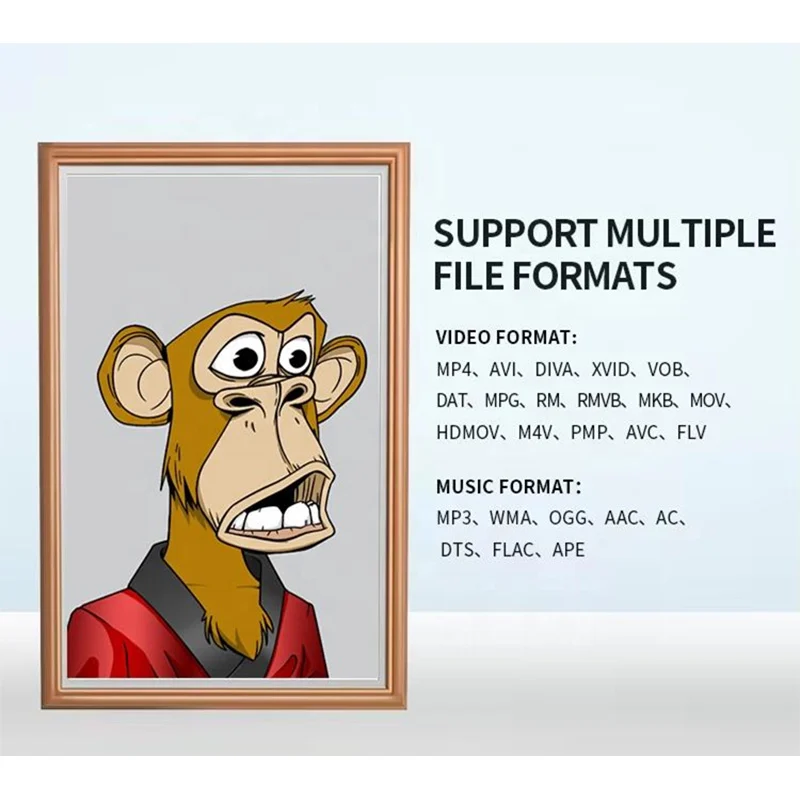
Choose optional features against the room and artwork
The range lists 4K, anti-glare, touch and LED lighting as optional features, so each should be justified and priced explicitly. Anti-glare may matter where lamps, windows or track lighting compete with dark artwork; 4K may matter where viewing distance and source resolution make extra detail visible. Ask for a like-for-like sample if you are comparing standard and upgraded configurations, and confirm the native resolution being quoted rather than delivery bandwidth or file label.
Touch and LED lighting change how visitors or staff use the frame, so define the interaction or illumination brief before selection. If touch is requested, approve the on-screen interface with the content and host workflow, because touch response alone does not describe application or system latency. For reflective installations, compare the anti-glare wooden digital frame as a related configuration and record which finish and sample were approved.
Prepare power, network and mounting at each position
At every proposed location, confirm a power outlet, a route for the cable and the network connection expected by the selected configuration. The wall construction matters: plasterboard, masonry and joinery need different fixings and access for service. Give the installer an approved mounting drawing, including the frame's outer dimensions, fixing points and clearance for removal, and identify who can authorize drilling or electrical work.
Multi-site projects need a location schedule, not a single room note. Record frame quantity, position, local contact, content owner and any opening or security restriction for each site. Review the commercial display applications guidance against the project's actual environment and keep outdoor or payment use out of scope unless separately specified. Test a normal restart and a content replacement during handover so the venue team can operate the installed frame before final acceptance.
Agree acceptance criteria with representative artwork
Sample approval should use the files and viewing conditions expected in service. Supply stills and video that include dark areas, light areas, text, thin lines and edge details, then inspect the sample from the planned viewing distance. Check cropping, borders, frame finish and the visibility of controls or cables. Record which file, frame size and optional configuration the approval covers so production can match it.
Build acceptance around repeatable tasks. The designated content owner should publish a replacement item, confirm playback on the frame, perform a restart and return the frame to the intended collection. The installer should confirm mounting, power and network readiness against the approved drawing. Put pass/fail criteria and the person who signs off in the RFQ, and ask how rejected samples or specification changes are handled before volume production.
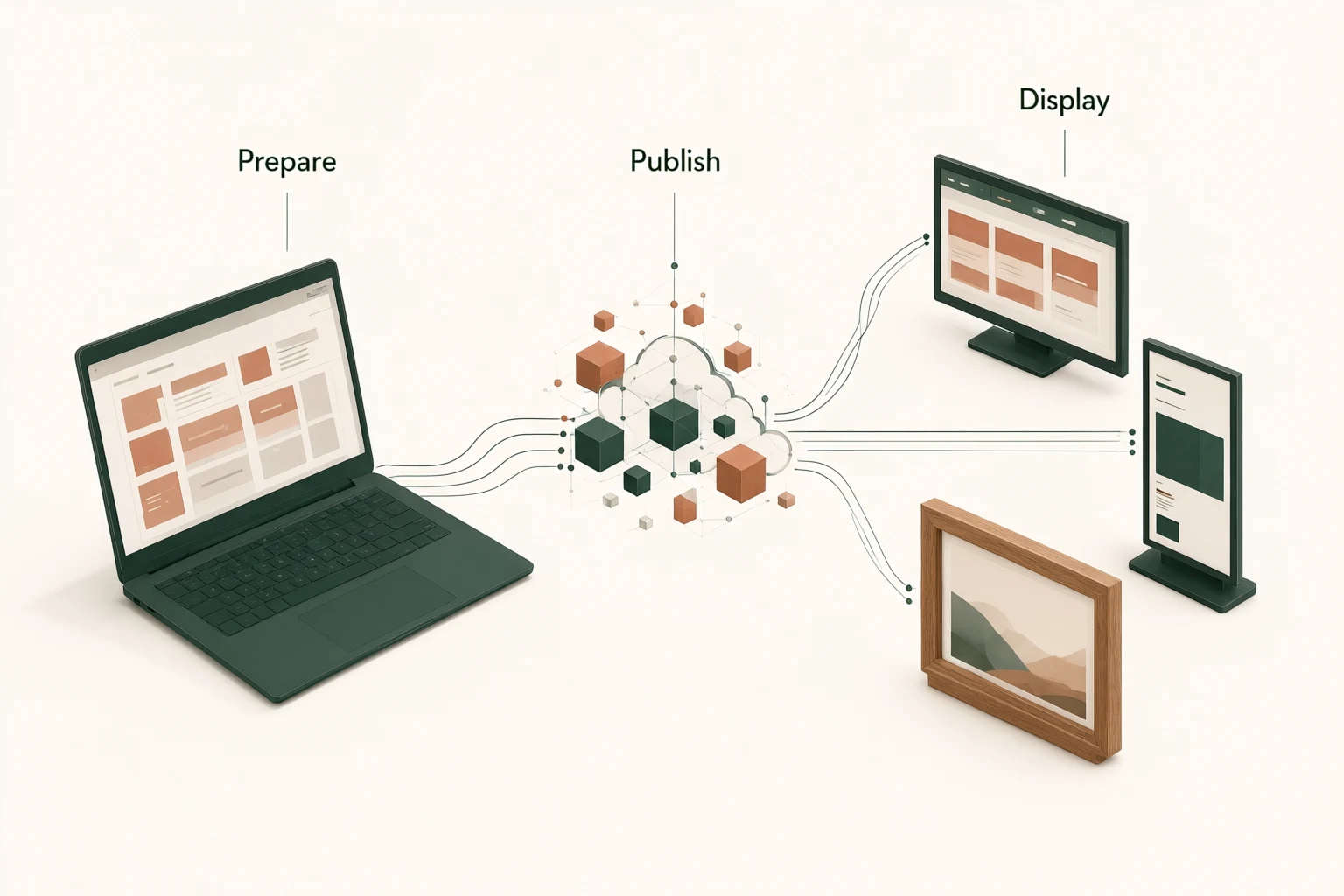
Turn the project brief into a quotation pack
A useful RFQ gives Alihh enough detail to quote the frame, software scope and accessories without assumptions. Include quantity by location, preferred sizes, wooden appearance, orientation, target artwork formats, optional 4K or anti-glare treatment, touch or LED lighting if required, destination and required compliance documents for review. Add a wall plan or installation photographs and representative artwork for the demonstration.
Explain the publishing model: number of users, locations, approval steps and network constraints. Ask for the CMS package, account setup, service terms, mounting accessories, sample process and any third-party costs to be itemized. Use the OEM/ODM customization discussion for enclosure or software changes, and send your RFQ with the launch date, decision milestones and contact for site coordination. This lets the proposal distinguish a standard frame from a configured project before commercial terms are compared.
Frequently asked questions
What sizes and components should we specify for a quotation?
The product range lists 21.5, 24, 27, 32, 43, 49, 55 and 65 inch options. Ask the quotation to confirm the selected size, native resolution, full frame dimensions, wooden appearance and any optional features, rather than treating the size list as a stock or default-configuration promise.
Can one team update frames in different locations?
Remote content updates are listed for the frame range through PC and app. Explain the number of locations, users and approval steps, then request a demonstration of the proposed publishing arrangement. Grouping, permissions, scheduled changes and network-loss behavior need confirmation for the offered CMS package.
Are 4K, anti-glare, touch and LED lighting standard?
The range lists 4K and anti-glare as optional upgrades, and touch and LED lighting as optional features. Specify each requirement in the RFQ and ask for the offered configuration, sample arrangement and related quotation lines to be stated clearly before approval.
How should we approve a sample before an order?
Supply representative still images and video, state the planned viewing distance, and agree checks for cropping, borders, frame finish, playback and content replacement by the designated owner. Include restart and mounting checks in the acceptance record, and identify who signs off and how specification changes are handled.
Product references